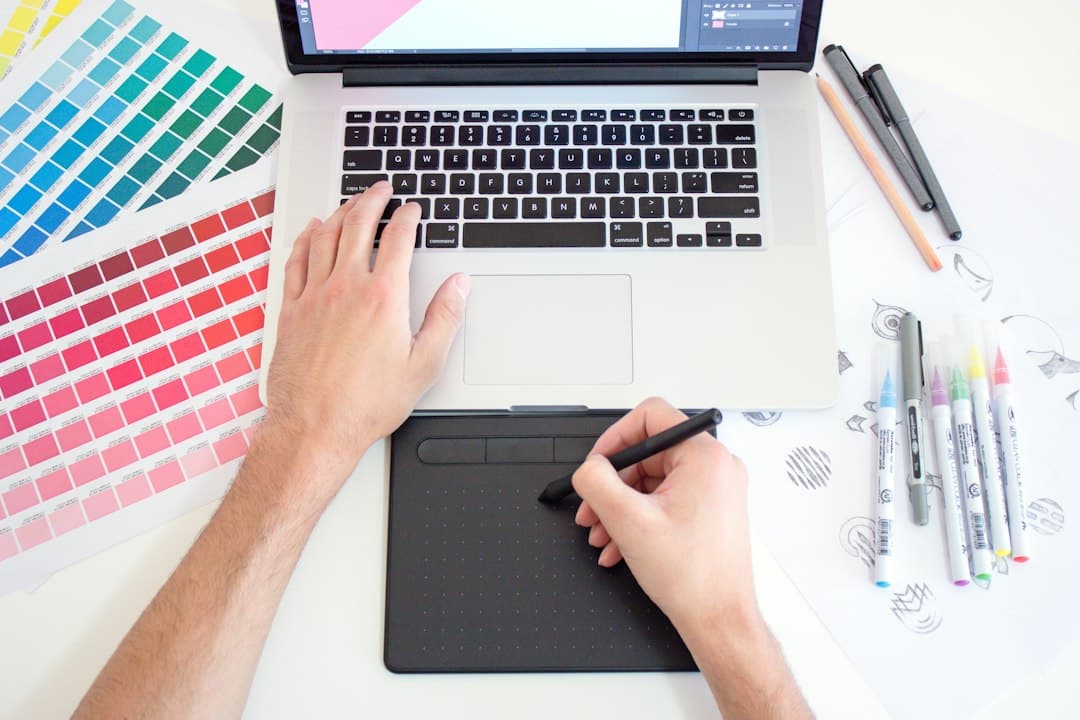
Canva made design accessible to everyone, and that created a market: busy business owners, teachers and creators who want something professional without starting from a blank page. Selling Canva templates lets you serve that market with digital products you design once and sell many times.
This guide covers the licensing rules first (they matter), then how to choose a niche, create templates, deliver them, price them and sell them.
How we checked: licensing rules come from Canva's own help center on selling products made with Canva, and marketplace fees from Etsy's fee policy, both checked in October 2026. Nobody at Dollarberg sells Canva templates, so we stick to the rules and process rather than income claims.
Step 1: Understand Canva's Rules
Canva's help center allows selling templates, with conditions (Canva help, checked October 2026):
Templates must be original designs. You can't resell Canva's existing templates as your own.
Pro Content must stay in Canva. If your template uses any Canva Pro elements, you can only share it as a Canva template link, so buyers edit it inside Canva. Selling it as a PDF or other file is not allowed.
No reselling stock content. You can't sell Canva's graphics, photos or elements as standalone clipart or stock files.
If you want to deliver files outside Canva, use only free elements and your own photos and graphics, and confirm the current Content License Agreement.
Step 2: Choose a Niche
The templates that sell best solve a specific problem for a specific buyer:
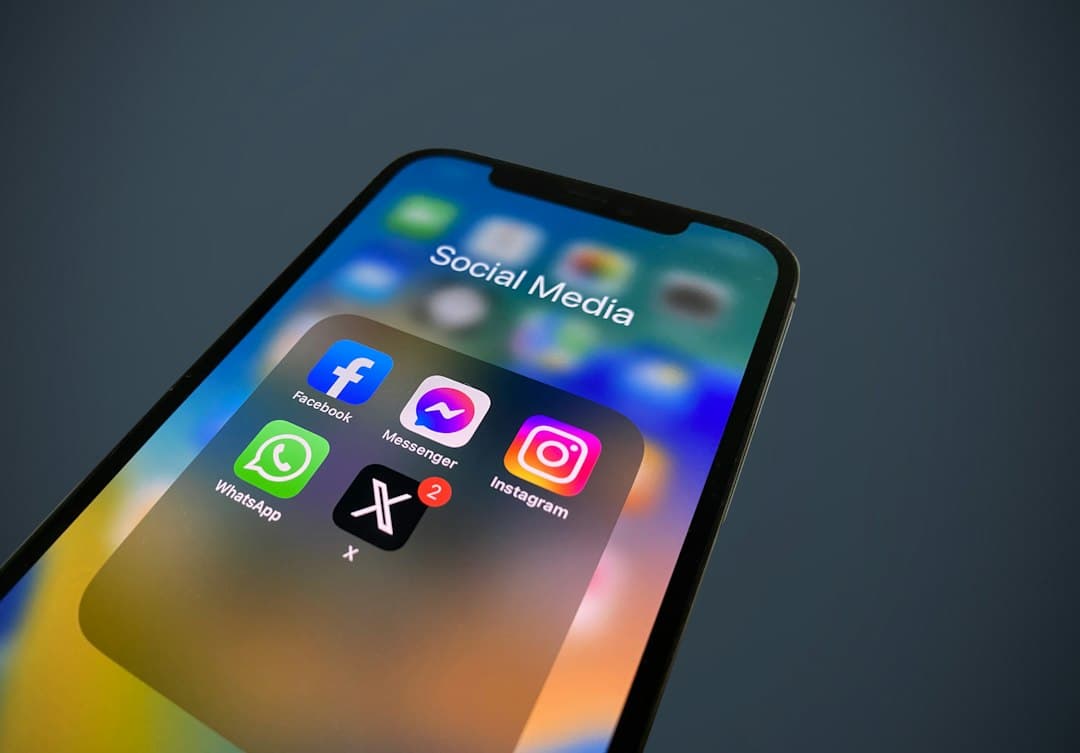
Social media templates for coaches, realtors, salons or restaurants
Pinterest pin templates for bloggers
Business kits: media kits, price lists, proposals, invoices
Planners and printables: budget planners, meal planners, homeschool schedules
Teacher resources: classroom newsletters, worksheets, labels
Event templates: wedding signage, invitations, baby shower games
Resumes and cover letters
"Instagram templates for realtors" will outsell "Instagram templates" because buyers can see themselves in it.
Step 3: Design Your Templates
Make a bundle, not a single design: 20 to 30 social posts in a consistent style is a common format.
Use clear placeholder text that tells buyers what to replace.
Lock your layout elements where helpful so buyers don't break the design.
Use readable fonts and accessible color contrast.
Test as a buyer: open the template link from a different account and edit it.
Step 4: Create Template Links
In Canva, share your design as a template link so each buyer gets their own copy to edit. Put the link inside a simple PDF "delivery page" with instructions, which is the file buyers download from your shop. (The PDF holds the link and instructions, not the Pro-content design itself.)
Include in the delivery PDF:
The template link button
How to make a copy and edit
How to change fonts, colors and photos
Your support contact
Step 5: Make Mockups
Buyers judge templates by the listing images:
Show templates on phone and laptop mockups.
Include a "what's included" graphic with the number of templates.
Show before/after customization examples.
Add a short video preview if the marketplace allows it.
Step 6: Price Your Templates
Look at what similar bundles sell for in your niche, then price based on:
The number of templates and their complexity
How much time they save the buyer
Your niche: business templates usually command more than general social posts
Include fees. On Etsy, that's $0.20 per listing, a 6.5% transaction fee and 3% plus $0.25 U.S. payment processing (Etsy fees).
Step 7: Choose Where to Sell
Etsy: the biggest audience for digital templates. Etsy requires digital items to be designed by you. See how to sell on Etsy.
Your own shop: platforms like Shopify, Gumroad or Payhip let you keep more of each sale but need your own traffic.
Creative marketplaces: some design marketplaces accept Canva templates.
Canva's own creator program: Canva runs a program for creators to publish templates inside Canva; check its current application requirements.
Step 8: Market Your Templates
Pinterest: pin every template bundle with keyword-rich titles. See how to make money on Pinterest.
Instagram and TikTok: short videos of you customizing a template in seconds.
Email list: offer a free sample template in exchange for an email.
Collaborations: partner with coaches or creators in your niche.
A Simple Launch Plan for Your First Bundle
Week 1: Research your niche on Etsy and Pinterest. Note what bestselling bundles include and what reviews complain about.
Week 2: Design 20 to 30 templates in one consistent style, plus the delivery PDF.
Week 3: Build mockups, write the listing, and test the template link from a second account.
Week 4: Publish, pin the listing, and share a customization video.
After the first month, look at views, favorites and sales. Improve the listing that gets views but no sales, and make a second bundle for the niche that's working.
How to Make Money With Canva Beyond Templates
Design services: create custom graphics for small businesses.
Social media management using Canva to produce content for clients.
Printables and planners sold as digital downloads. See digital products you can sell.
Teaching: tutorials on YouTube or a short course.
Common Mistakes
Selling templates that use Pro elements as PDFs or PNGs.
Copying popular designs too closely.
Listing single templates instead of useful bundles.
Weak mockups that don't show the template in use.
No instructions, leading to confused buyers and bad reviews.
Frequently Asked Questions
Is it legal to sell Canva templates?
Yes, if they're your original designs and you follow Canva's rules. Templates with Pro elements must be delivered as Canva template links.
Do I need Canva Pro to sell templates?
No, but Pro gives you more elements and features. If you use Pro elements, you must deliver the template as a Canva link, and buyers need a Canva account to open it.
What Canva templates sell best?
Niche bundles that save time: social media templates for specific businesses, Pinterest pin templates, business kits, planners and teacher resources.
Where is the best place to sell Canva templates?
Etsy has the largest audience. Your own shop keeps more of each sale but requires your own traffic.
The Bottom Line
Selling Canva templates works when you design original bundles for a specific buyer, follow Canva's licensing rules, and invest in mockups and marketing. Start with one niche and one bundle, then expand what sells. See also our upcoming guide on how to create digital products.